Compare invocations: compare two builds side-by-side
The compare invocations view allows you to diff two invocations side-by-side.
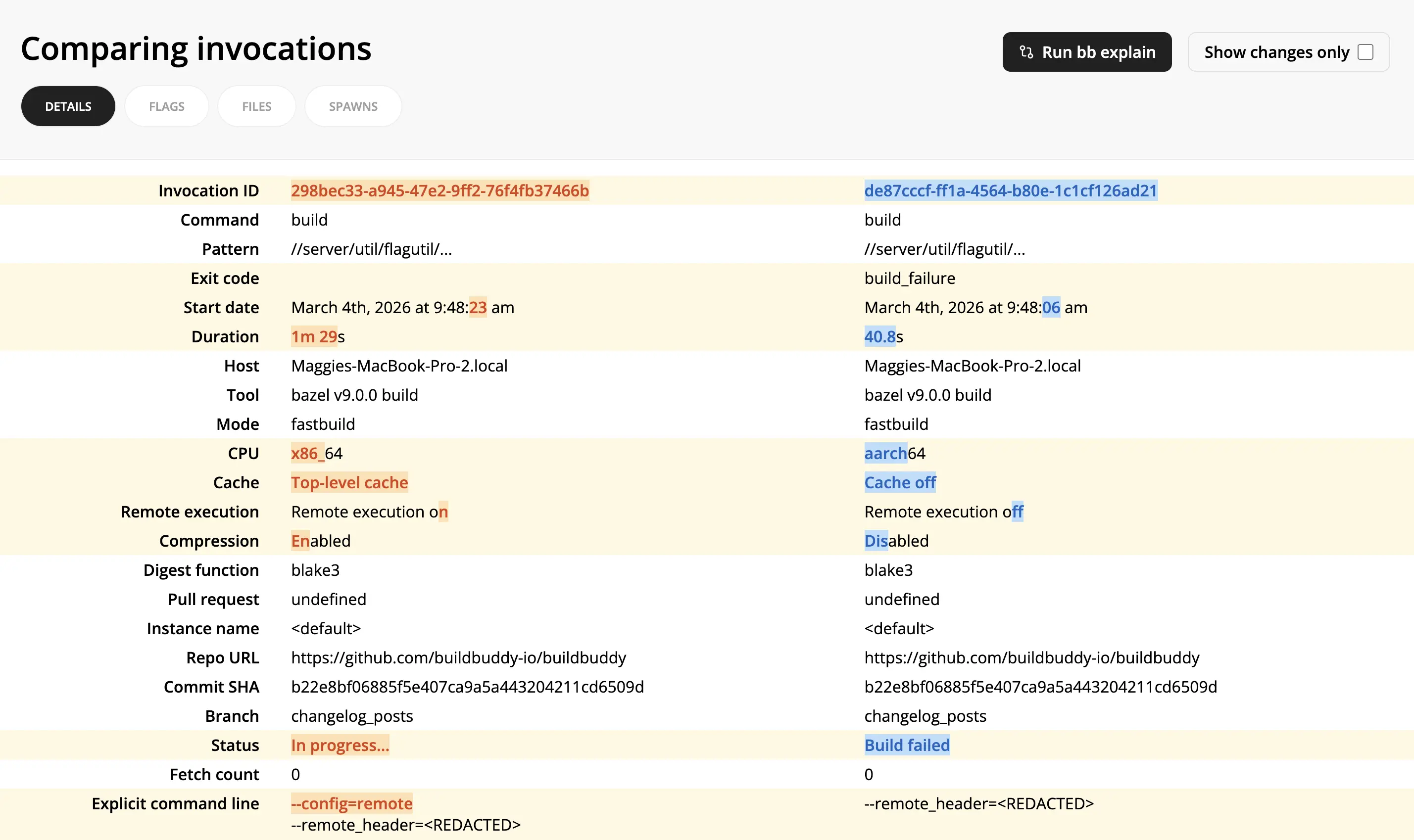
It can help debug why two builds produced different results by showing exactly what changed: different flags, startup options, cache/remote execution settings, status, and more.
To compare invocations:
- From one invocation link, select Compare -> Select for comparison in the top right corner.
- From another invocation link, select Compare -> Compare with selected.
- For even more details on differences between the two invocations, click the Run bb explain button on the compare invocations page.